Little Memory 2.0: Moving 15 years of memories off my servers
In April, I started inviting folks to test out Little Memory 2.0, a full re-write of the one-sentence-a-day journal I launched in 2011. I had most of the bones of the new app ready at that point, but, as most folks who develop software professionally know, the last 20% can often be the most tricky, difficult, and filled with unforeseen bugs.
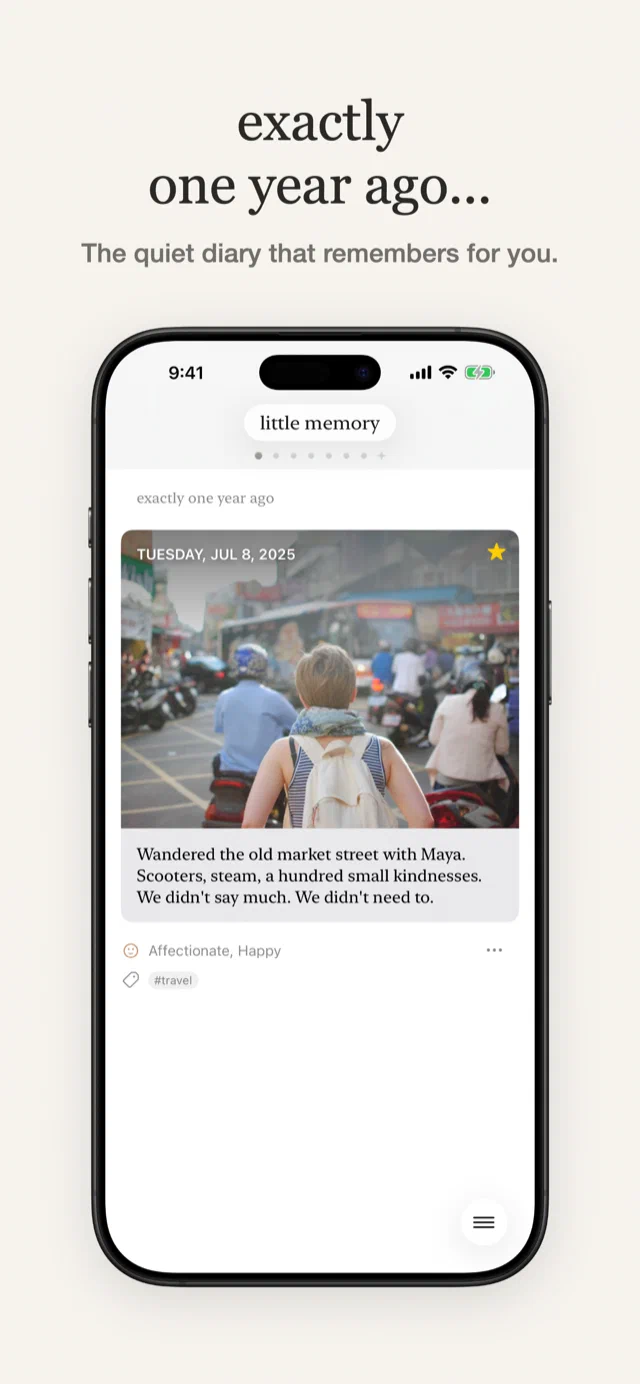
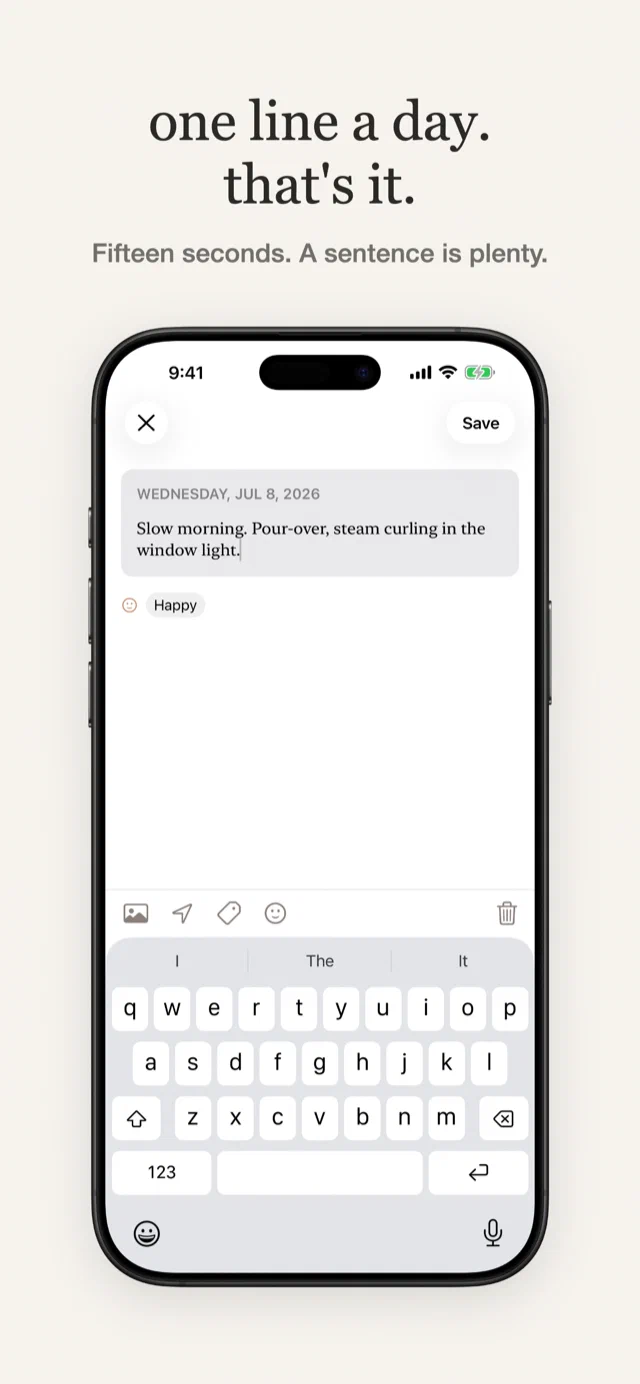
What the first testers found
- In the first batch of testers, 4 longtime users imported thousands of memories, and the world didn’t crash and burn, yay!
- Lilmem previously had a way to write memories via SMS. Twilio sent a webhook request to us when these would arrive, and, for longer messages that were over 160 characters, I would get 2+ requests. However, they wouldn’t always come in chronological order. Moreover, they didn’t have a single message ID to let me know they were a single message. Because of a bug in the backend, this ended up letting some users have multiple entries on a single day (oi!). I cleaned this up in the import into the app, but it did cause some issues for some folks who did their initial imports into the app.
- Some users really enjoy writing on their desktop before bed, and being able to add memories only from the iOS app was a problem. I didn’t want to end up back in a place where I was storing entries in my DB again, but I did figure something out: Drafts. Drafts lets Premium users write a memory from the web for the day, and when the iOS app is launched, it fetches the unsaved drafts and reconciles them so they end up living in the app.
- There were some users reporting that they didn’t see photos on days where they were sure they had photos saved. There was a concurrency issue where even though a photo would get downloaded, it wouldn’t get properly attached to a memory. After a good amount of logging and tracking this down, I got a build for testers that included a repair pass to get their photos back.
- So glad I did a few rounds of testing on TestFlight. These would have been super expensive things to handle after release.
Get off my lawn! And servers!
I’ve generally felt uncomfortable storing people’s memories on my own servers. What if I got hit by a bus today? Someone would have to make sure the servers keep running so folks could keep reading and writing in their personal private journals. That’s definitely not something I’d want for myself or for Lil’memmers.
Not only that, but now that all your memories live on your phone, you can read/write offline, even without internet access. And it opens up the door for some exciting new features. I can’t wait to get 2.0 into people’s hands and start iterating on the app with some ideas I’ve had queued up for years.
On AI, privacy, and your diary
A diary is about the most personal data an app can hold, and every app holding it is one breach, acquisition, or bad decision away from leaking that extremely sensitive and private data. With AI becoming more and more capable every day, the possibility of servers getting hacked grows. I’ve never used any Little Memory data for AI training, but even the possibility that your data could be read or used for training is something I would rather avoid.
With Little Memory 2.0, the iPhone app is offline-first. Memories are written and stored on the phone, you can keep a diary without an account, and your private and personal data stays in your control and in your phone rather than in the cloud.
What’s new?
- Your memories are imported into your iPhone
- All your memories are now synced across your devices with iCloud
- You can now add/edit memories even when offline (yay!)
- A ground-up redesign of the whole app
- The app is now free to download, and if you already paid for it, you keep Premium
- After you update and import your memories, you’ll no longer get email reminders
- If you want to write from the web or from your desktop, after importing to the app, you can still visit the website and write an entry for Today with Drafts (Premium feature)
- There’s a new Photo Recap feature that lets you view photos for a day alongside your memory for that day
- Still here: charts, reminders, streaks, Dropbox backups, export
- Little Memory supports Dark Mode now, woo-hoo!
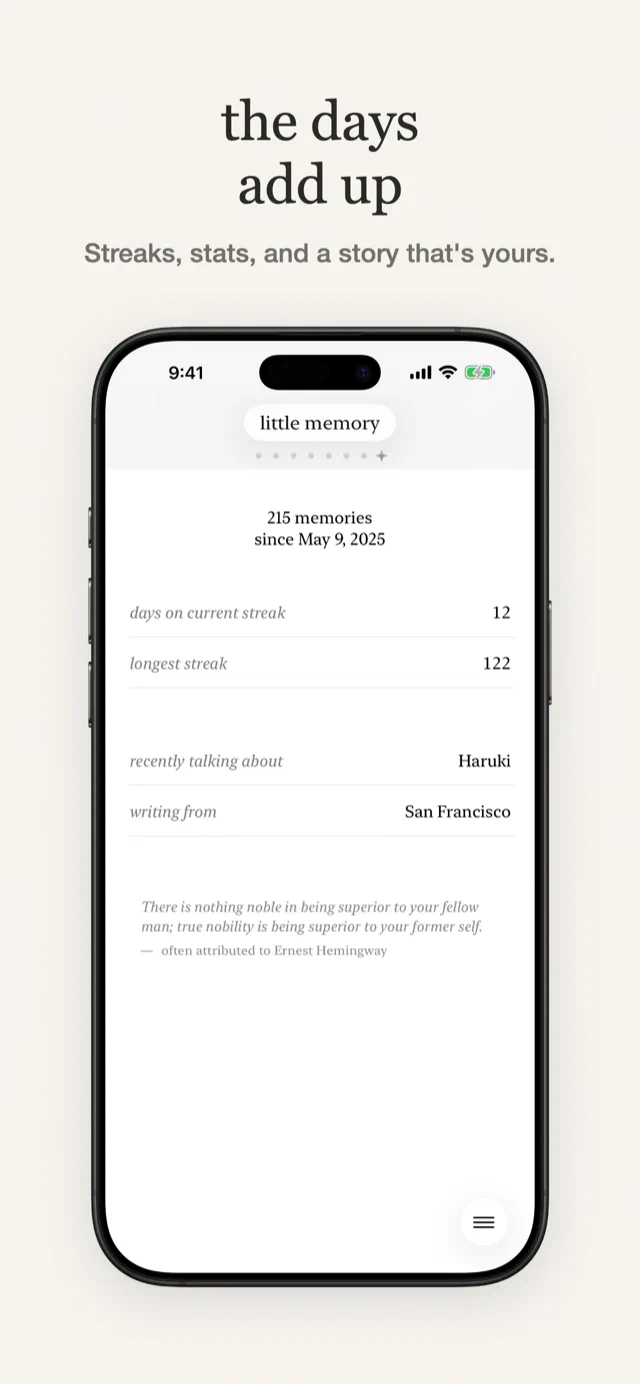
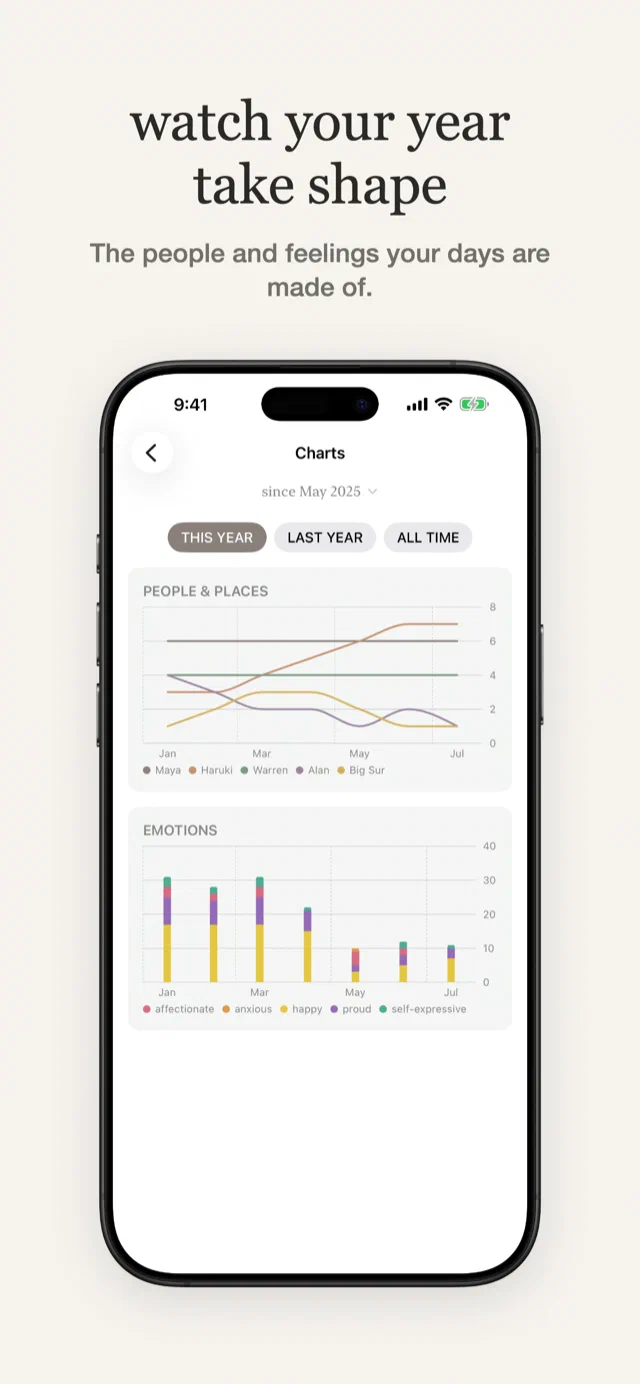
The blast from the past is back again
Little Memory 2.0 is now live in the App Store with all the latest updates.
Longtime users: Your memories are ready to come home to your iPhone. Download the new app and import them to your device so you can read and write without needing to be online.
New users: Welcome! Write one sentence about your day in less than 15 seconds, and start seeing your memories come back to you.
I’m excited to share Little Memory 2.0 with you. It’s been a joy getting it ready for users, and I’ve been wanting to get it into people’s hands to make the meaningful experience of reflection and journaling even easier and more enjoyable.
I think you’re going to really like the new app, and please reach out if you have any feedback or find any issues.
Some thanks
A big thanks to the design and user research done by Ray Inoue. Much of the learnings that came out of Ray’s work informed the design decisions that ultimately went into the 2.0 rebuild. It’s taken me way too long to get these changes into production, but it’s finally here! Sorry it took me so long, Ray!
Mentioned elsewhere
- little memorymastodon.socialrepost
- Those Who Swift, Issue 286thosewhoswift.substack.com