Ready Time 3.9: Live Activities
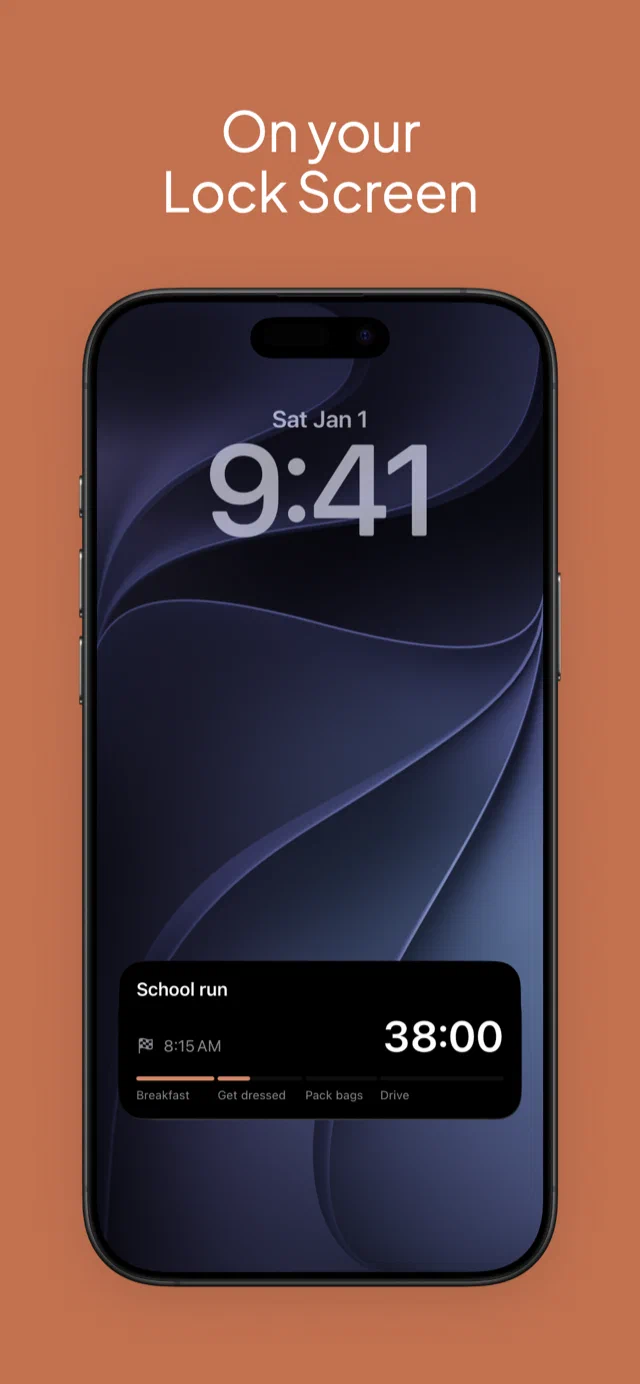
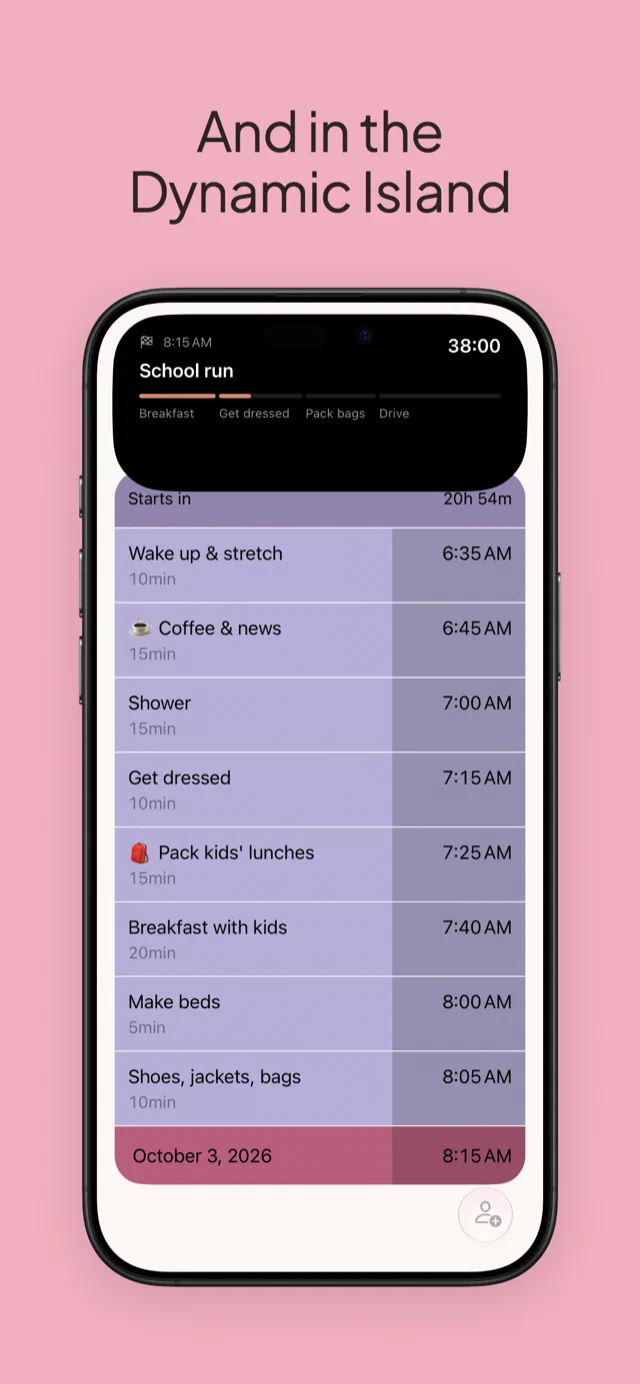
Ready Time has always had push notifications when it’s time to start each step. But in between each step, you had to unlock your iPhone and open the app to see the status of your plan. Now a running plan stays on your Lock Screen and in the Dynamic Island with Live Activities.
The whole idea of the app has always been to help you stay on time and to know what to do next, but keeping the Ready Time app open constantly doesn’t always make sense. You may be driving on your way to a meeting. You might be dealing with a screaming toddler during your morning routine, trying to juggle texting your babysitter or partner at the same time.
Being able to set your phone down and quickly glance on your Lock Screen to see the status of your plan helps you make sure you’re on track to get to your meeting, your appointment, and any deadline you’ve set on time. It even shows up on your Apple Watch.
Turning it on
Live Activities are part of Premium. With Premium, every plan shows up on its own when it starts. If there’s a plan you’d rather keep off your Lock Screen, tap the Live Activity button on the plan. And if you don’t want them at all, you can disable Live Activities in Settings.
Onward
You can download Ready Time on the App Store.
If you have feedback, we’d love to hear from you. Drop me a note.